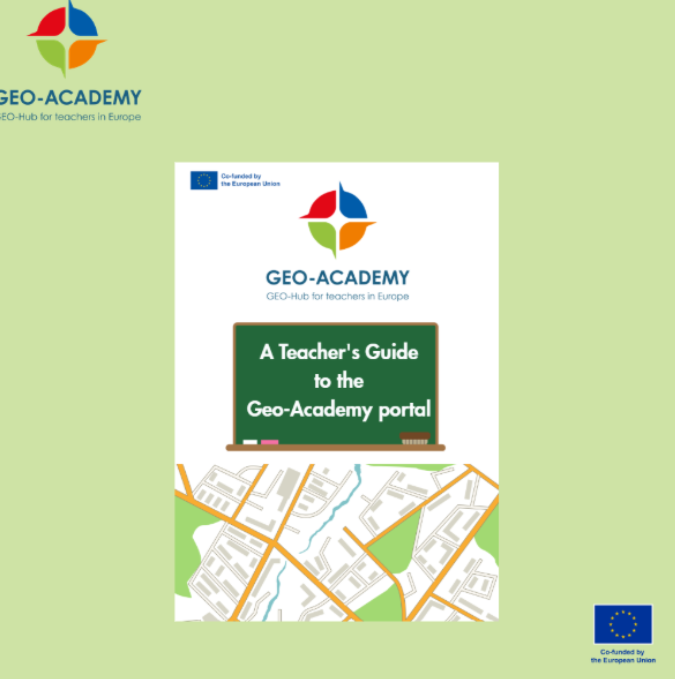
We released a new teacher’s booklet, designed to guide teachers through the GEOBSERVE platform and help them integrate geospatial technologies into their classrooms. This comprehensive resource explains how teachers can access E‑modules, tools, and resources, and how to use them to deliver engaging, project- and challenge-based learning experiences.
The booklet walks teachers step by step through the portal. It shows how to register, explore available modules, download datasets, and use lesson plans tailored for teaching geography, STEM, environmental education, and sustainability. The platform includes tools such as ArcGIS StoryMaps, QGIS, and MapMaker, all freely available for classroom use.
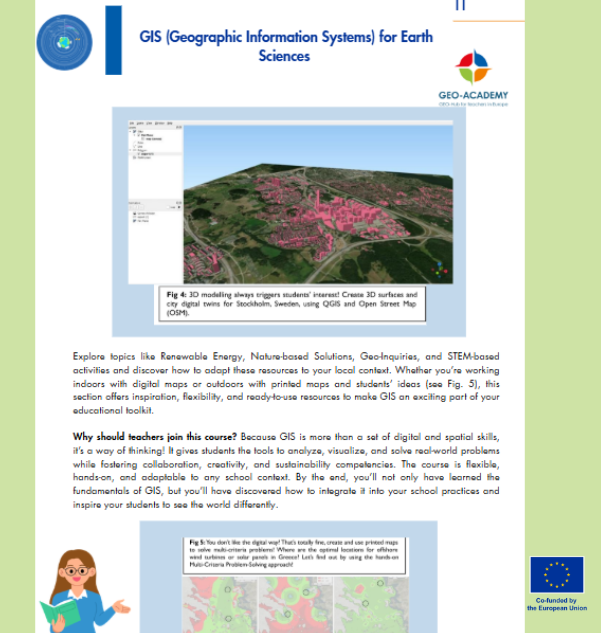
The booklet emphasizes hands-on learning, inclusive practices, and student-centered activities, helping students develop spatial, digital, and environmental competencies while connecting classroom lessons to real-world challenges.
By following the booklet, teachers can confidently navigate the GEOBSERVE platform, access high-quality resources, and create engaging learning experiences that inspire curiosity, collaboration, and problem-solving. The guide transforms the portal into a practical toolkit for modern, innovative education.